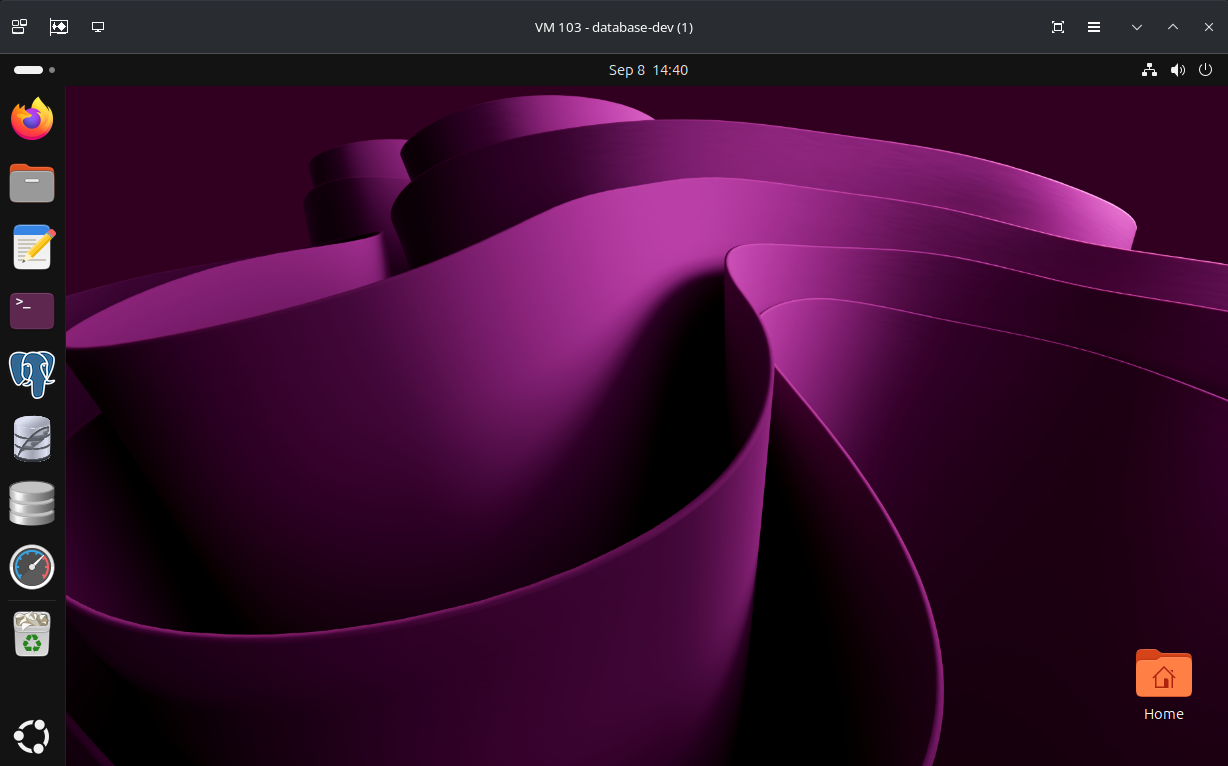
remote-viewer or virt-viewer program is used to stream the Proxmox/libvirt virtual machine display on your computer.
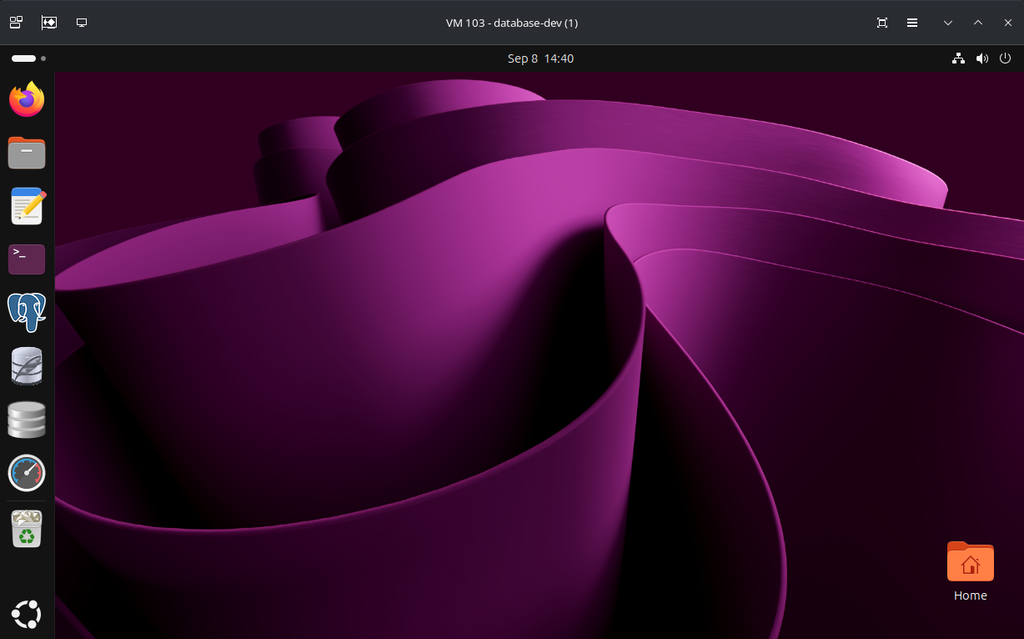
In KDE Plasma 6 desktop environment, the remote-viewer or virt-viewer program window buttons (minimize, maximize, close) doesn’t render correctly in fullscreen when you hover over the buttons.

To fix this, you need to start the remote-viewer or virt-viewer program with the environment variables:
GDK_BACKEND=x11 GTK_THEME=Adwaita remote-viewer <proxmox-spice-file-path>To make the changes permanent, search for remote viewer in the KDE Application Menu, right-click on Remote Viewer app and click on Edit Application.
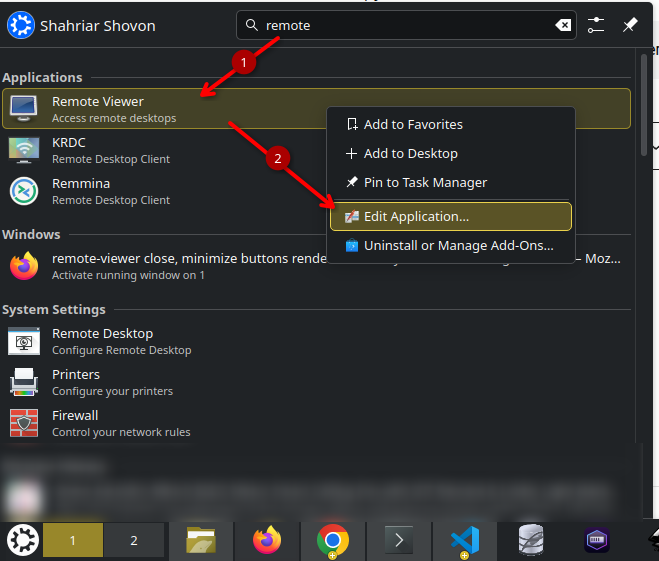
Paste the environment variables GDK_BACKEND=x11 GTK_THEME=Adwaita in the Environment variables section and click on Save.
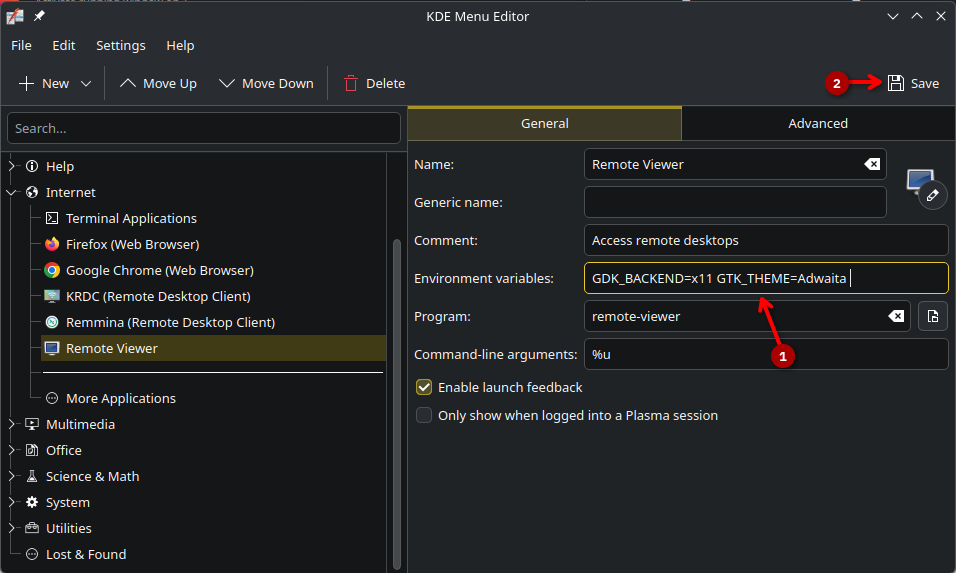
The next time you open Remote Viewer, it will use the GTK theme.
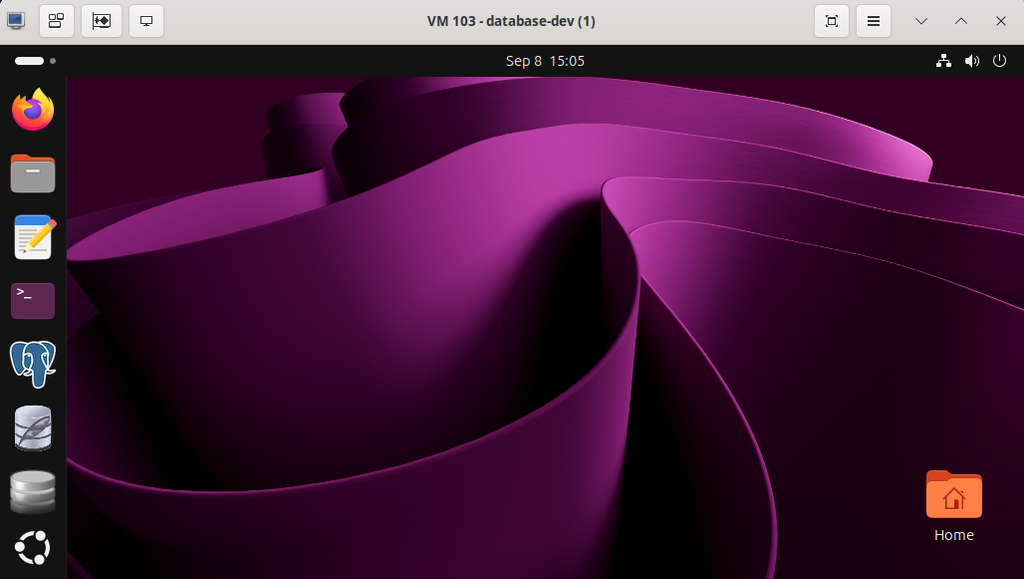
The window buttons (minimize, maximize, and close) render issues or gliches will be fixed.
