When you try to install the Upwork Desktop App on Ubuntu 26.04 LTS, you will see the following error:
$ sudo apt install ./upwork_5.8.0.35_amd64.deb
Note, selecting 'upwork' instead of './upwork_5.8.0.35_amd64.deb'
Solving dependencies... Error!
Some packages could not be installed. This may mean that you have
requested an impossible situation or if you are using the unstable
distribution that some required packages have not yet been created
or been moved out of Incoming.
The following information may help to resolve the situation:

Unsatisfied dependencies:
 upwork : Depends: libgdk-pixbuf2.0-0 (>= 2.26.1) but it is not installable
Error: Unable to satisfy dependencies. Reached two conflicting assignments:
   1. upwork:amd64=5.8.0-35 is selected for install
   2. upwork:amd64 Depends libgdk-pixbuf2.0-0 (>= 2.26.1)
      but none of the choices are installable:
      [no choices]
If you try to install the libgdk-pixbuf2.0-0 on Ubuntu 26.04 LTS, you will get the following error:
$ sudo apt install libgdk-pixbuf2.0-0
Package libgdk-pixbuf2.0-0 is not available, but is referred to by another package.
This may mean that the package is missing, has been obsoleted, or
is only available from another source
However the following packages replace it:
  libgdk-pixbuf-xlib-2.0-0


Error: Package 'libgdk-pixbuf2.0-0' has no installation candidate
In this article, I am going to show you how to solve this issue and install the Upwork Desktop App on Ubuntu 26.04 LTS.
Installing libgdk-pixbuf-xlib-2.0-0 on Ubuntu 26.04 LTS
Install the libgdk-pixbuf-xlib-2.0-0 package with the following command:
$ sudo apt install libgdk-pixbuf-xlib-2.0-0 -yRemoving libgdk-pixbuf2.0-0 Dependency from Upwork DEB Package
To install the Upwork Desktop App on Ubuntu 26.04 LTS, we need to extract the DEB file, remove the libgdk-pixbuf2.0-0 dependency from the DEB package, and repack it. It’s not too hard to do that.
First, create a new directory Upwork/ and extract the upwork_5.8.0.35_amd64.deb file into the Upwork/ directory.
$ mkdir ~/Downloads/Upwork
$ dpkg-deb --raw-extract ~/Downloads/upwork_5.8.0.35_amd64.deb ~/Downloads/Upwork
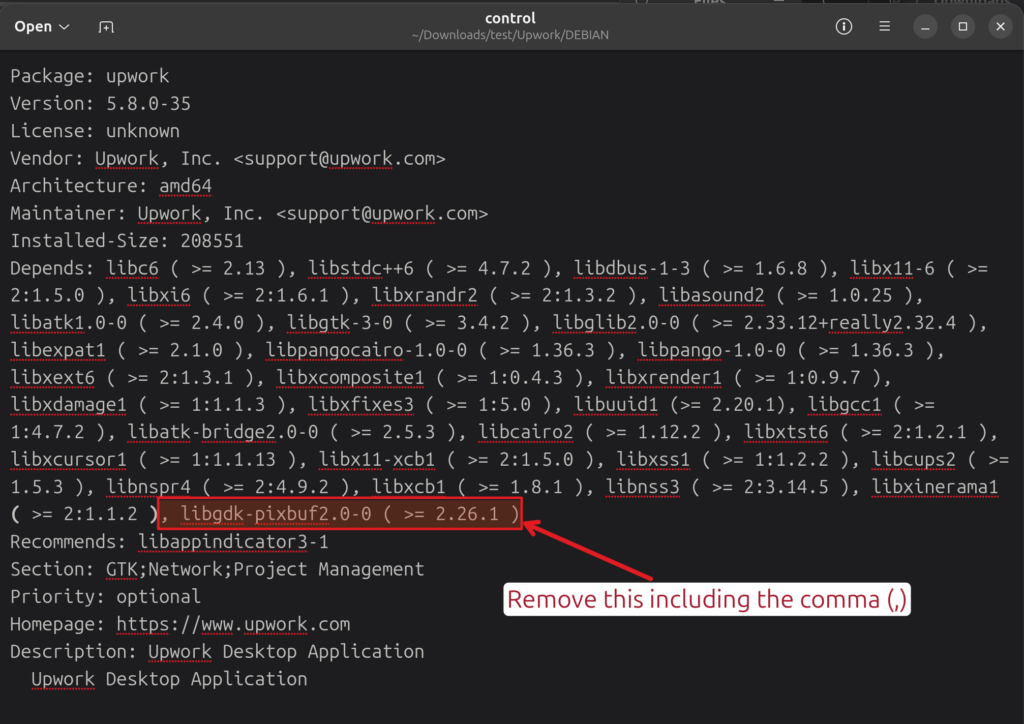
Open the ~/Downloads/Upwork/DEBIAN/control file with a text editor, remove the libgdk-pixbuf2.0-0 dependency from the Depends section, and save the file.
Repack the ~/Downloads/Upwork directory into upwork.deb file.
$ dpkg-deb --build --root-owner-group ~/Downloads/Upwork ~/Downloads/upwork.debOnce the Upwork Desktop App package is repacked, you will see a new DEB package file upwork.deb.
Installing the Upwork Desktop App on Ubuntu 26.04 LTS
To install the repacked Upwork Desktop App, run the following command:
$ sudo apt install ~/Downloads/upwork.deb -yThe Upwork Desktop App should be installed on your Ubuntu 26.04 LTS system.
Note, selecting 'upwork' instead of './upwork.deb'
Installing:
  upwork

Summary:
  Upgrading: 0, Installing: 1, Removing: 0, Not Upgrading: 0
  Download size: 0 B / 67.4 MB
  Space needed: 214 MB / 79.4 GB available

Get:1 /home/shovon/Downloads/upwork.deb upwork amd64 5.8.0-35 [67.4 MB]
Selecting previously unselected package upwork.
(Reading database… 156680 files and directories currently installed.)
Preparing to unpack …/shovon/Downloads/upwork.deb…
Unpacking upwork (5.8.0-35)…
Setting up upwork (5.8.0-35)…
touch: cannot touch '/root/.config/mimeapps.list': No such file or directory
awk: cannot open "/root/.config/mimeapps.list" (No such file or directory)
Processing triggers for hicolor-icon-theme (0.18-2build1)…
Processing triggers for gnome-menus (3.38.1-1ubuntu1)…
Processing triggers for desktop-file-utils (0.28-1build1)…
Notice: Download is performed unsandboxed as root as file '/home/shovon/Downloads/upwork.deb' couldn't be accessed by user '_apt'. - pkgAcquire::Run (13: Permission denied)
Running the Upwork Desktop App on Ubuntu 26.04 LTS
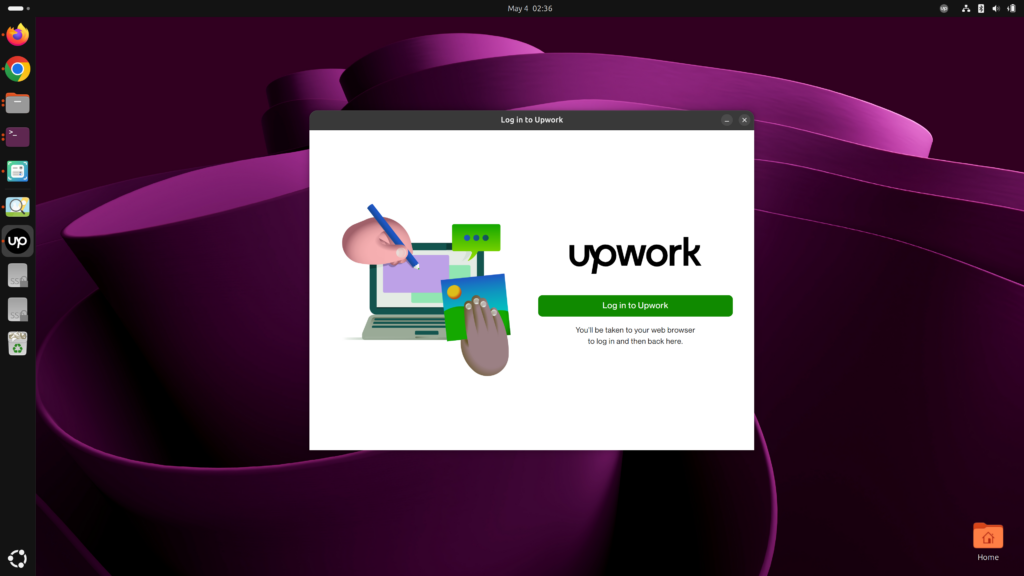
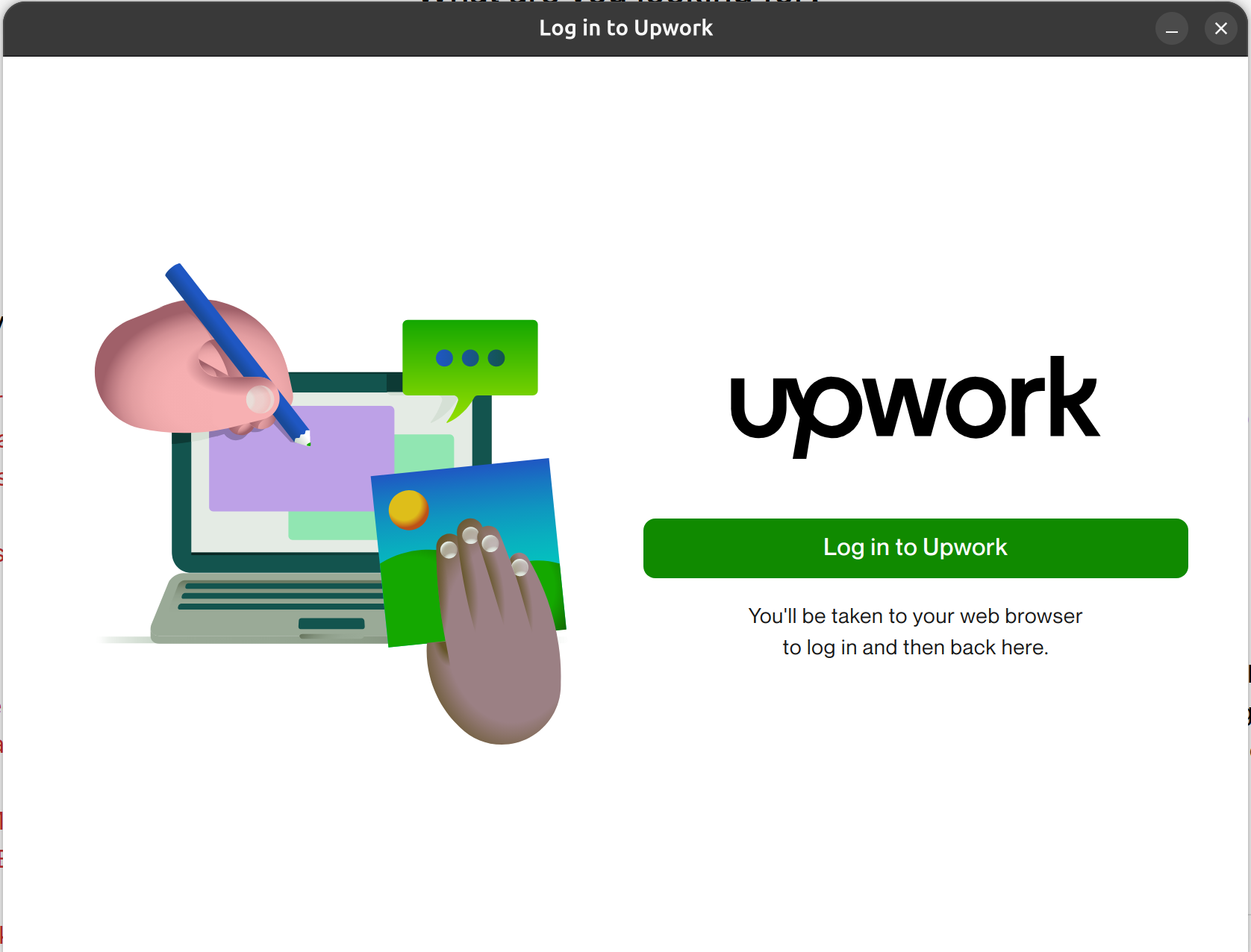
Once the Upwork Desktop App is installed, you can run it from the App Menu.
As you can see, the Upwork Desktop App is running on my Ubuntu 26.04 LTS system.