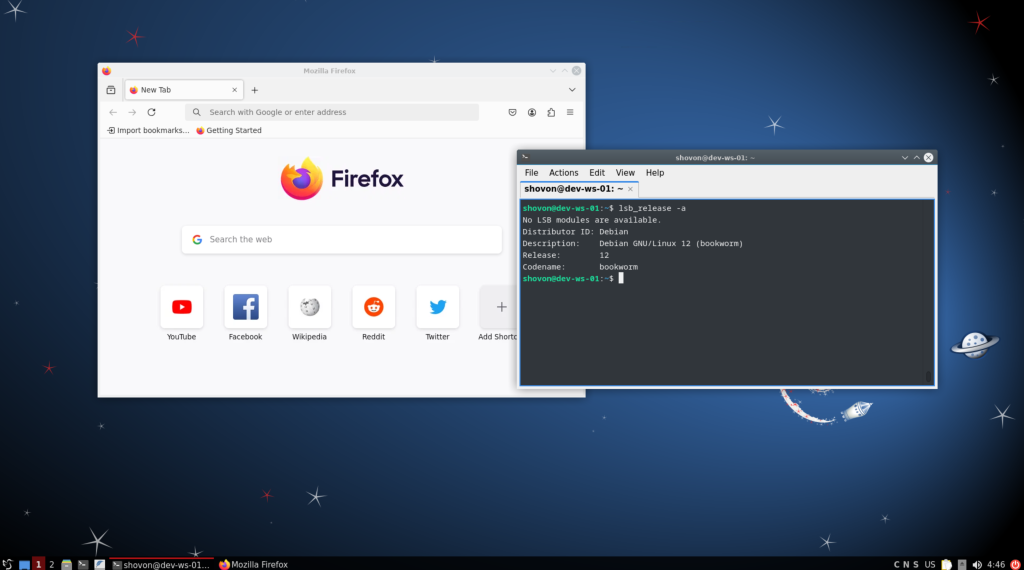
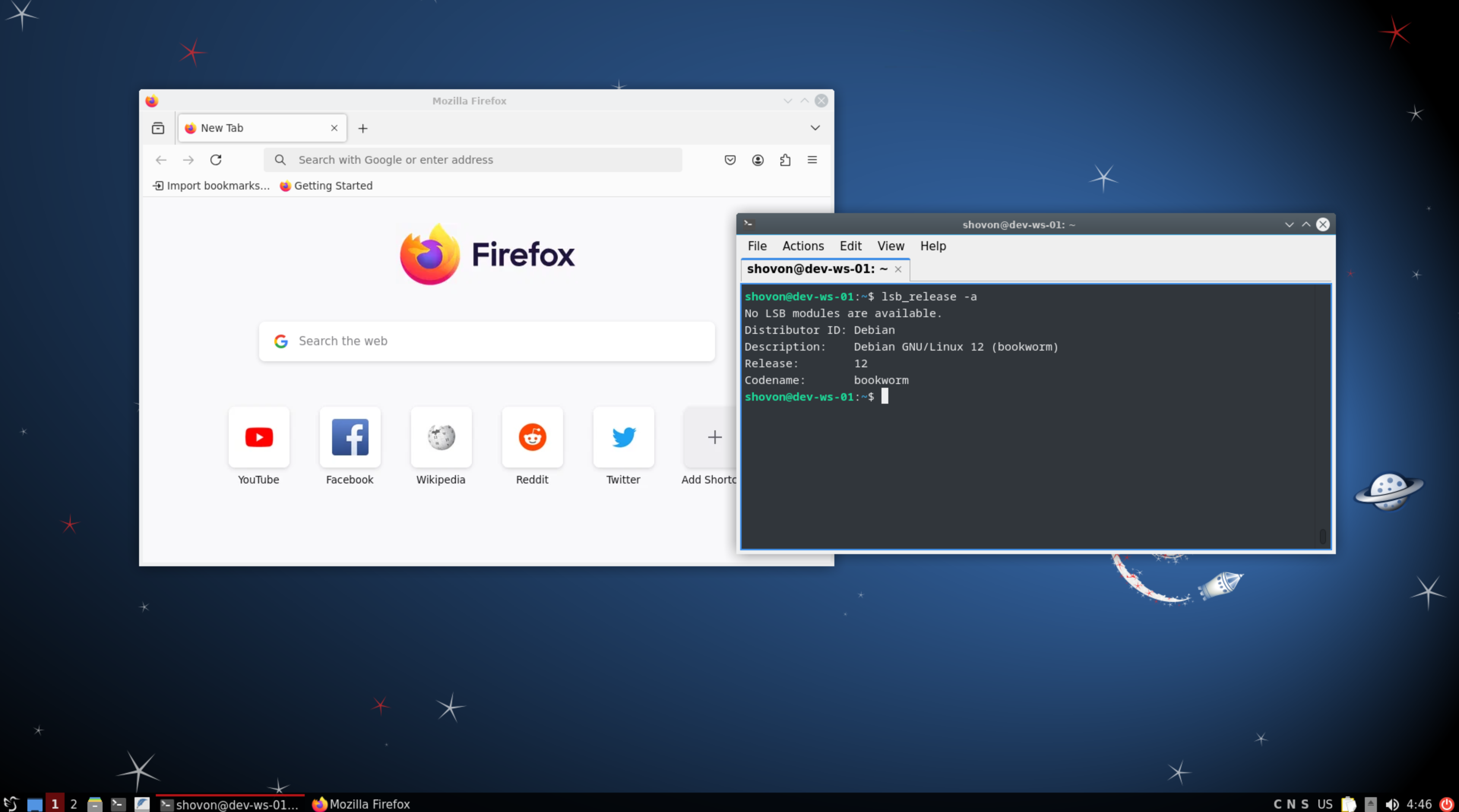
Installing LXQT Desktop Environment on Debian 12
Install LXQT desktop environment on Debian 12 with the following command:
sudo apt update
sudo tasksel
Tick Debian desktop environment and LXQt from the Software selection window[1][2]. You may also select SSH server if you want to SSH into the Debian server[3]. Once you’re done, click on OK[4].
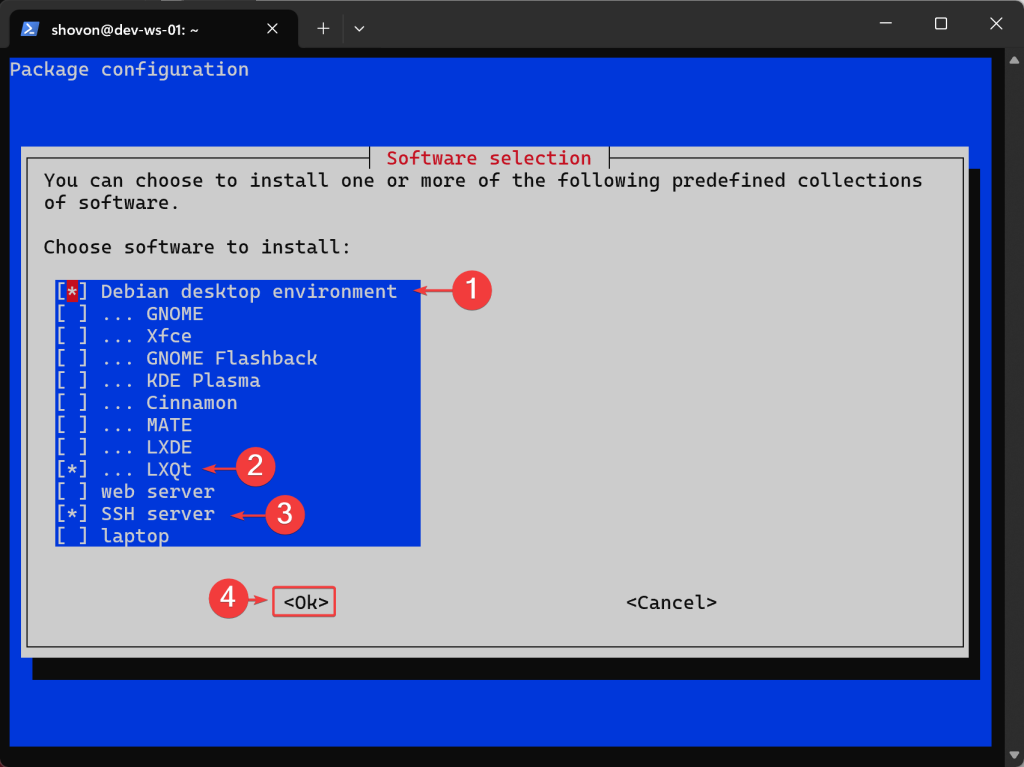
The LXQT desktop environment should be installed.
Enabling Multi-User Mode (Optional)
I would recommend enabling the multi-user mode and disable the graphical mode so that VNC runs smoothly without interference.
sudo systemctl set-default multi-user.target
Installing TigerVNC Server on Debian 12
To install TigerVNC server, run the following command:
sudo apt install tigervnc-standalone-server -yConfiguring TigerVNC Server for LXQT Desktop Environment
Open the /etc/tigervnc/vncserver-config-mandatory file with a text editor:
sudo nano /etc/tigervnc/vncserver-config-mandatoryType in the following lines at the end of the /etc/tigervnc/vncserver-config-mandatory file and save the file.
$localhost = "no";
$geometry="1920x1080";
$session = "lxqt";
$xauthorityFile = "$ENV{HOME}/.Xauthority";
NOTE: $session should be one of the filename (without extension) in the /usr/share/xsessions/ directory.
ls /usr/share/xsessions/Open the /etc/tigervnc/vncserver.users file with a text editor and type in the following lines (one for each user)
sudo nano /etc/tigervnc/vncserver.users

# contents
:1=shovon
:2=alex
Here, :1 will be port 5901, :2 will be 5902. So, user shovon’s VNC session will run on port 5901, and user alex’s VNC session will run on port 5902, and so on.
Setting a VNC Password for the VNC User
To set a VNC password for the VNC user, log in as the user and run the following command:
vncpasswd
Automatically Starting TigerVNC Server for Users
To start the TigerVNC server for the user shovon on port :1 or 5901 automatically at boot time, run the following command:
sudo systemctl enable tigervncserver@:1For the changes to take effect, reboot the server.
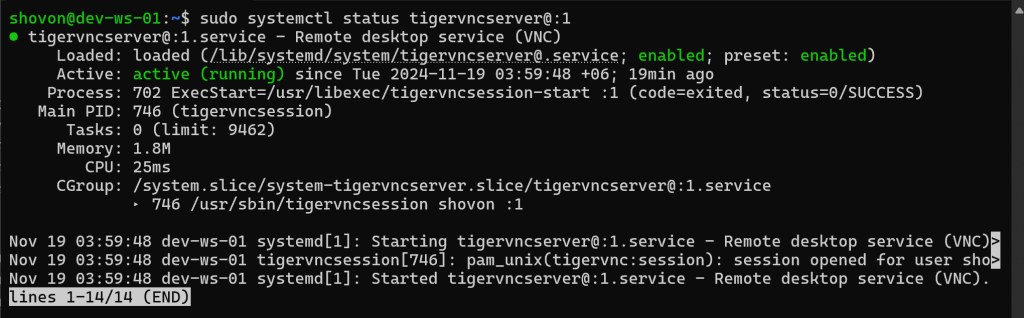
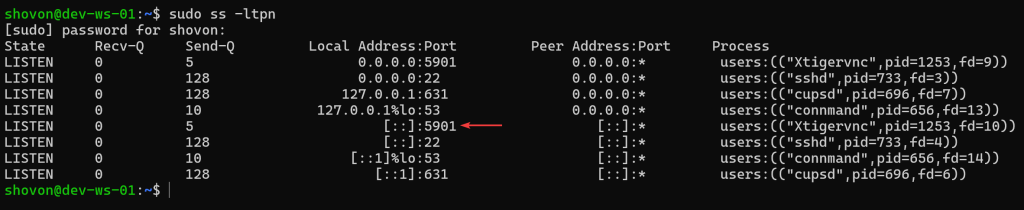
sudo rebootOnce the server boots, the tigervncserver@:1 service should be running on port 5901.
sudo systemctl status tigervncserver@:1
sudo ss -ltpn
LXQT desktop environment after connecting to the server from a VNC client.